10 minute mail.
Keep your real email private.
Get a temporary email address instantly. Copy it into a sign-up form and read the reply here. No account needed.
Your temporary email
No account. One inbox. Ten minutes to start.
Preparing your temporary email…
Your address appears automatically. No registration needed.
Inbox
Your inbox starts here
Your address appears automatically. No registration needed.
- Free, no signup
- Receive-only inbox
- HTML email with images
How to use 10 minute mail
Copy your ready-to-use address
Open this page and an address appears automatically. No registration or personal email is required. Keep this tab open to retain its access key.
Paste it into the form
Use it for a one-off confirmation or resource link, or test your own app with made-up account details. Some sites reject disposable addresses; choose a permanent address if future access matters.
Read the reply here
While this tab is visible, the inbox checks every 15 seconds. You can also press Refresh. Open a message to see its text or HTML, including images and links.
Why use a temporary email address?
A download form may ask for your email when all you want is one file. A trial may send a welcome message you need only once. Use a separate inbox for these short tasks to keep your everyday address out of another mailing list.
For example, a newsletter signup may send a confirmation link before releasing a template. If you only need that link and the publisher accepts temporary addresses, receive it here. For a newsletter you want to keep reading, use a permanent address instead.
Use temporary email for a newsletter signupHow temporary email works
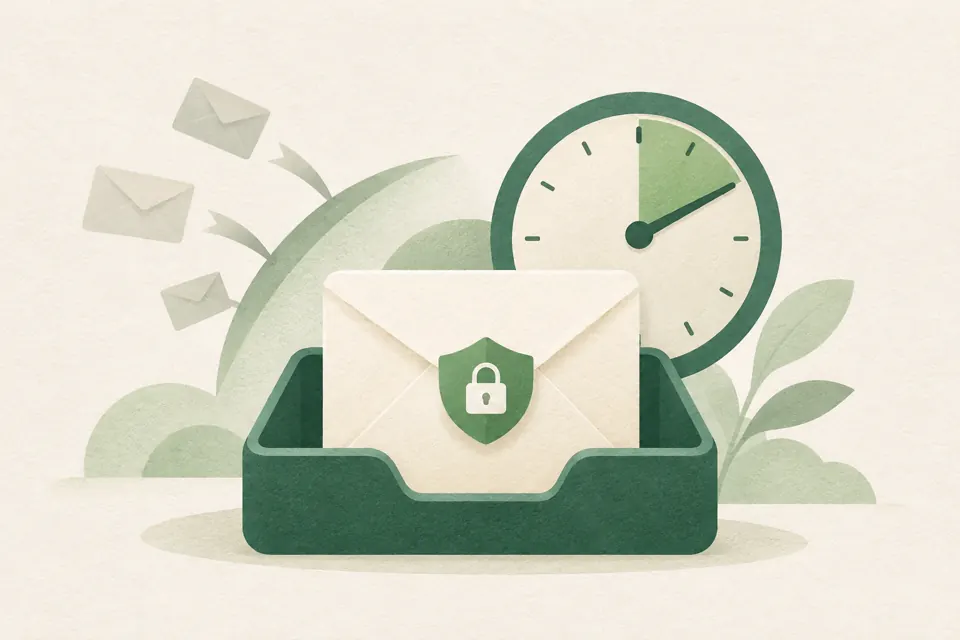
Your address appears when you open the page. Copy it into the form and read the reply here. The timer starts at ten minutes; reaching zero does not close your inbox.
What it protects — and what it does not
The form receives this temporary address instead of your personal one. This is not an anonymity service: websites can still see connection data, and remote images in emails can contact their senders.
Closing an inbox ends your access; backend records are retained. Read our privacy policy before sending sensitive information.
PrivacyCommon questions about temporary email
Is 10 minute mail free, and do I need an account?
Yes. Open the page to get an address and receive mail without registering. This inbox is receive-only; it cannot send messages or replies.
Does a temporary address make me anonymous?
No. It helps you avoid giving a form your real email address. It does not hide your IP address, stop website tracking or guarantee that stored records are erased. Email images load automatically and may notify their sender when opened.
Can I read HTML emails and download attachments?
You can view HTML email with images, formatting and links, or switch to plain text. Scripts and forms are blocked. Attachment downloads are not supported; a resource must be accessible through a link in the message.
What happens when the timer ends?
Your inbox keeps receiving mail, and you can still copy the address and read messages. Reload the page after zero to restart ten minutes for this same inbox.
Can I use it for an important account?
Use a permanent address or long-lived alias for account recovery, purchases, finance and travel. Temporary mail is for short, low-risk tasks.
Why am I not receiving an email?
Check the address and sender. Some services reject disposable domains; delivery can also be delayed.